
Image Upscaler
Make a small picture bigger without the mush. Pick 2× or 4× and the model rebuilds the detail rather than stretching it.
Try an example
How to Upscale an Image with AI
Increase image resolution online without simply stretching pixels. The AI image upscaler reconstructs plausible detail for a cleaner 2× or 4× result.
- 01
Upload a clear source image
Add one JPG, PNG, or WebP. A clear subject and a well-exposed image give the model more useful detail to work with.
- 02
Choose 2× or 4× enlargement
Use 2× for screens and moderate enlargement, or 4× when a small photo needs enough pixels for a larger layout or print.
- 03
Run the tool and download
Start the edit, compare the before and after, then download the finished image or find it later in My Creations.
The other tools
Continue editing the same image with another focused AI tool.
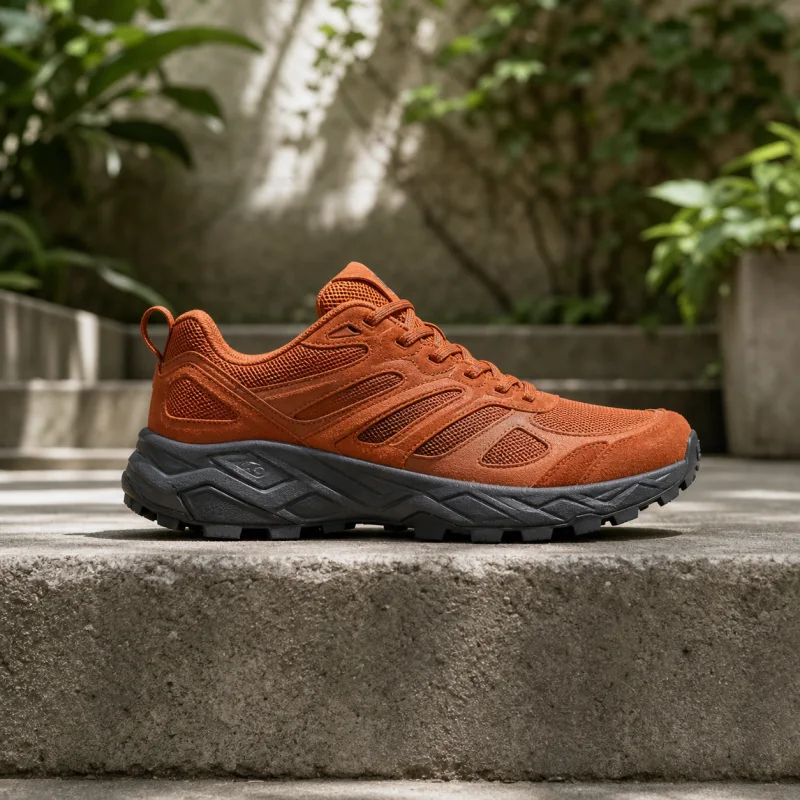
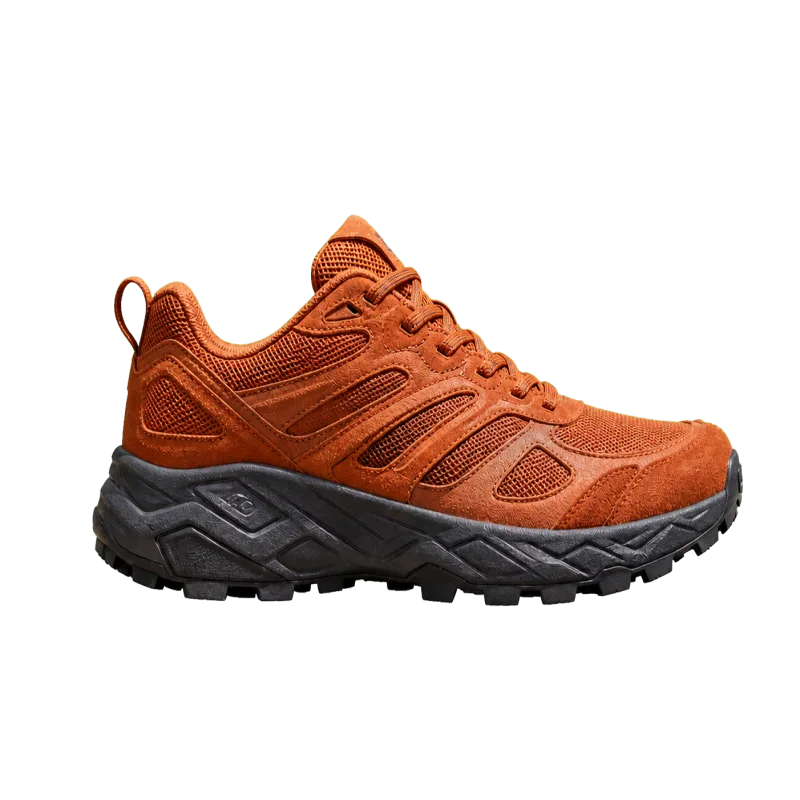
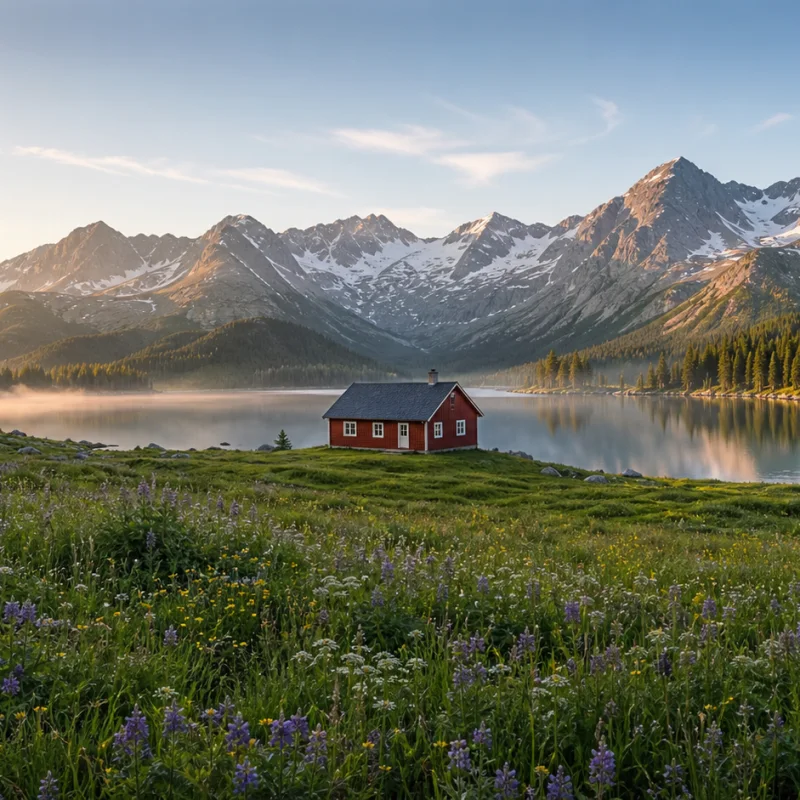
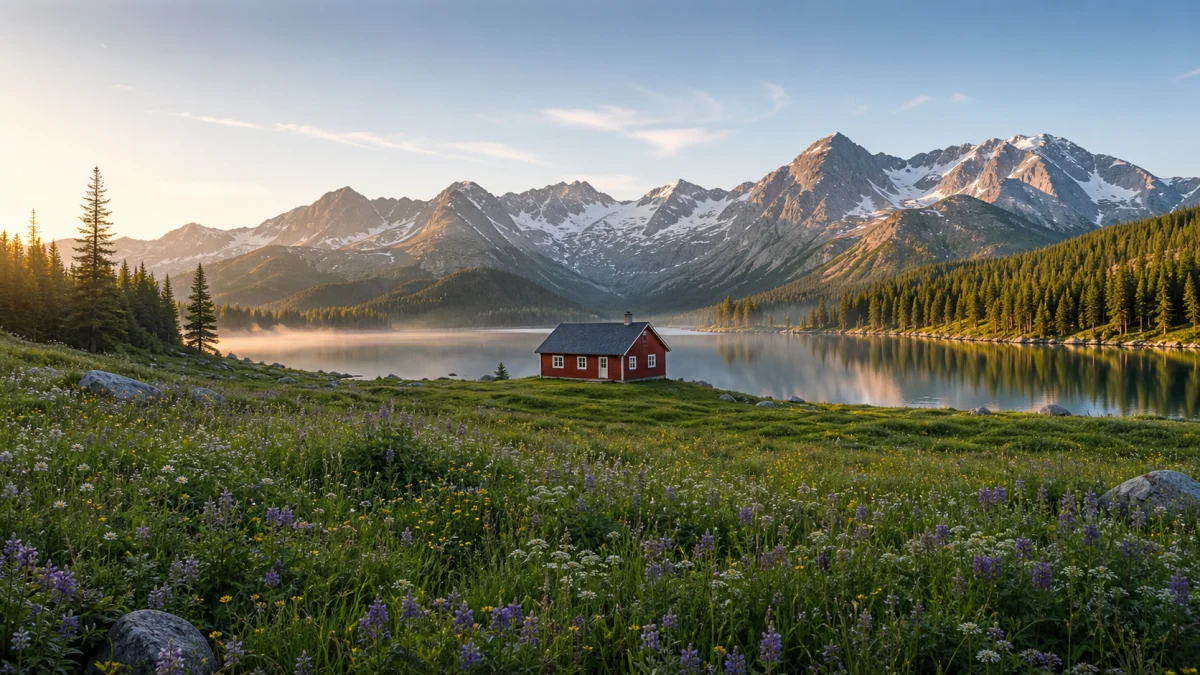
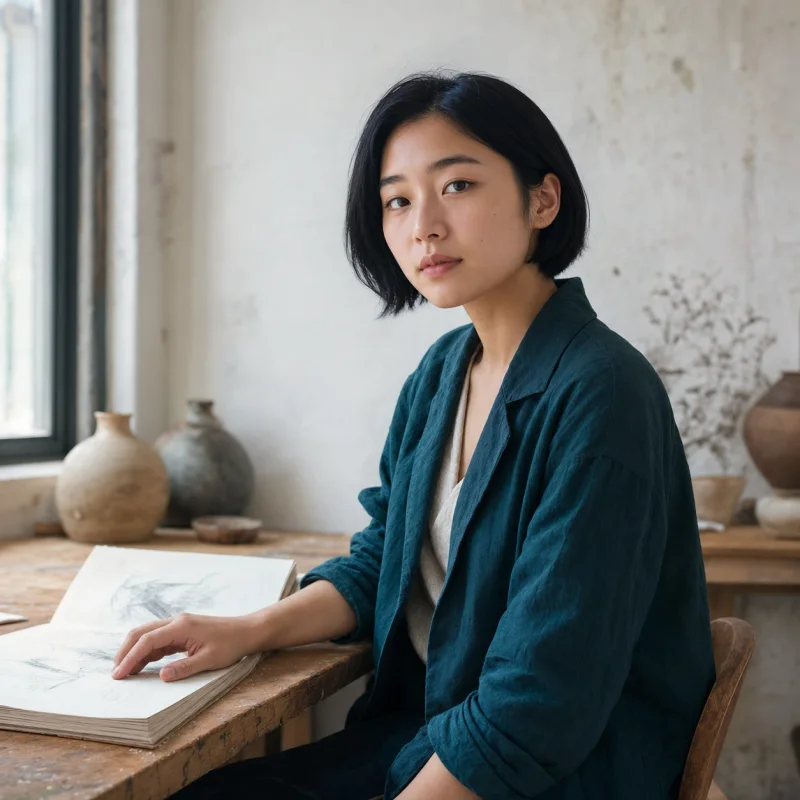
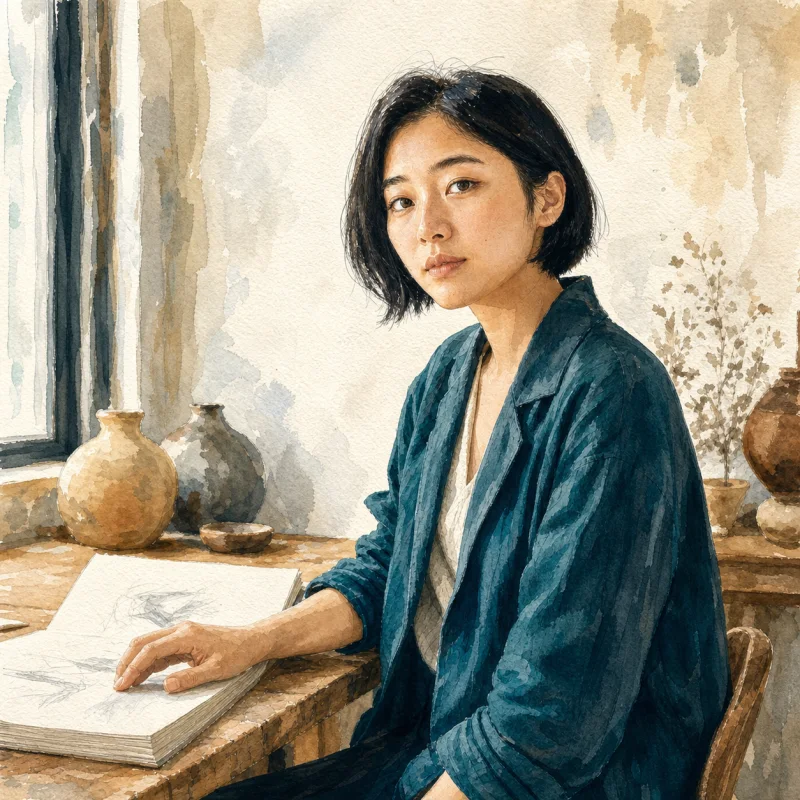
Image upscaler FAQ
Answers about 2× and 4× enlargement, AI detail reconstruction, supported formats, text, printing, and private uploads.
How much bigger does it get?
2× or 4× on each side — a 4× run turns a 500px image into a 2000px one. Pick the scale next to the run button.
What does one run cost?
2 credits, charged when the result comes back, whichever scale you pick. A run that fails costs nothing.
Will it invent detail that wasn't there?
To a degree — that is how AI upscaling works. It reconstructs plausible detail rather than magnifying pixels, so faces and text can shift slightly. For documents, rescan rather than upscale.
What happens to the image I upload?
It's stored so the model can fetch it and so the run stays in your library. It's private to your account and never appears in the public gallery.
Which images benefit most from AI upscaling?
Photos, illustrations, generated images, and product shots with a recognizable subject usually work well. Extremely compressed files cannot recover every lost detail.
Can an AI image upscaler sharpen text and logos?
It can improve edges, but small letters and exact logo geometry may change because the model reconstructs detail. Use a vector original for brand marks whenever one exists.
Upscale an Image without Losing Detail
Upload a small photo or generated image, choose 2× or 4×, and create a larger version ready for screens, layouts, or print.