
FLUX Schnell Image Generator
The fast one. Type a prompt, get four images back in seconds, and pay a single credit for each.
Prompts to try with FLUX Schnell
Explore FLUX Schnell prompt examples for cinematic photography, tactile illustration, product concepts and fast visual drafts. Click an image to load its complete prompt into the generator.
What FLUX Schnell is good at
Seconds, not minutes
It is built for speed — a prompt goes in and finished images come back while you are still thinking about the next one.
Four at a time
Ask for up to four images in one go and keep the one that landed, instead of re-rolling a single render over and over.
One credit an image
The cheapest model here by some distance, which is what makes it the one to explore an idea on before committing to it.
Photo or illustration
The same scene renders as a photograph, a watercolour, a flat vector or an oil painting — say which and it follows.
Aspect ratio control
Pick 1:1, 16:9, 9:16, 4:3 or 3:4 before generating and it frames the shot for that, rather than you cropping it afterwards.
Cheap to change your mind
At a credit a render, trying five directions costs less than one image on the heavier models. Explore first, commit later.
Why use FLUX Schnell for fast AI image generation?
FLUX.1 Schnell is the speed-first choice for turning text prompts into images while an idea is still taking shape. It costs 1 credit per image, supports batches of four and moves easily between photography, illustration and stylized concept art. Start here to test subjects, compositions and art directions before spending more on a final render.

How to write a FLUX Schnell prompt
Schnell works best with a compact visual brief. Give it one clear subject, one recognizable style and the light or camera cue that should control the frame.
Lead with the subject and action
Start with what must appear and what it is doing: “a bicycle courier crossing a wet city street” is stronger than a list of disconnected quality words.
Choose one visual language
Name a concrete medium such as cinematic photography, paper craft, watercolour or clay animation, then add two or three material or lighting details.
Use four-image batches to explore
Keep the prompt stable and generate up to four versions. Pick the strongest composition, then refine that direction instead of rewriting everything after one result.
The other models
Try the same prompt with another AI image model.
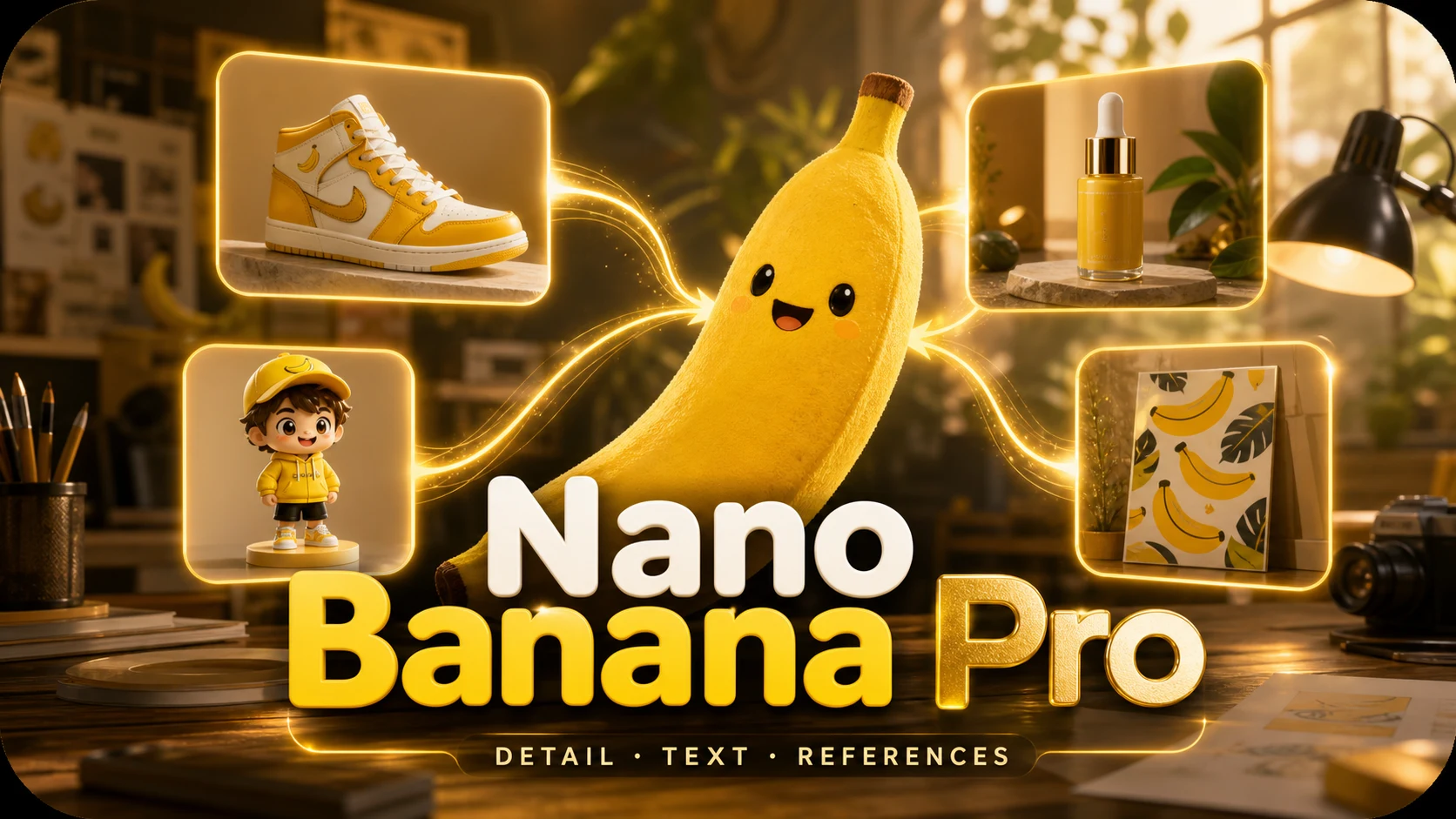
The hardest shots: dense scenes, fine detail, text that has to stay legible.
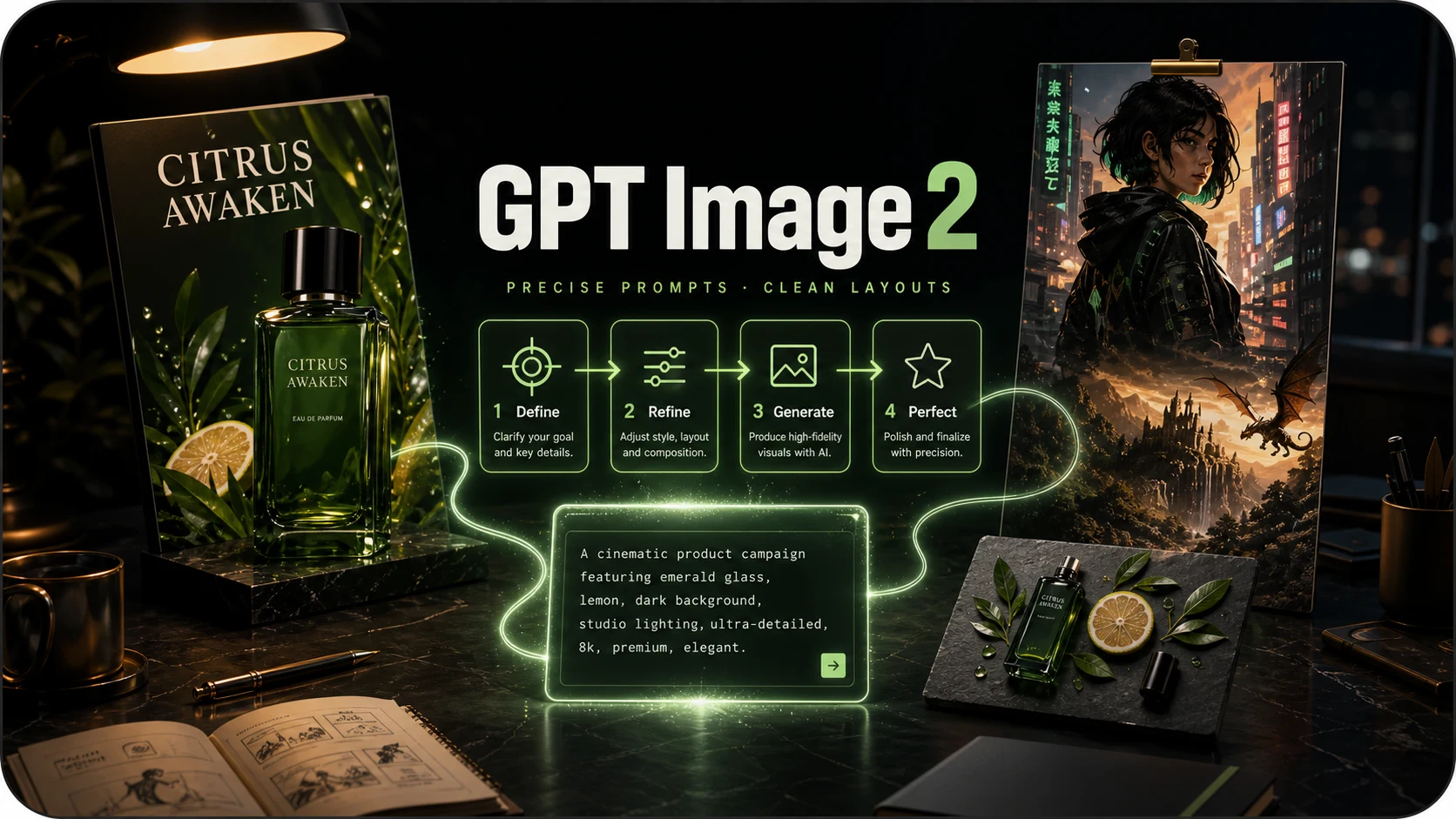
Prompt-faithful illustration and layouts, where following instructions matters more than photorealism.
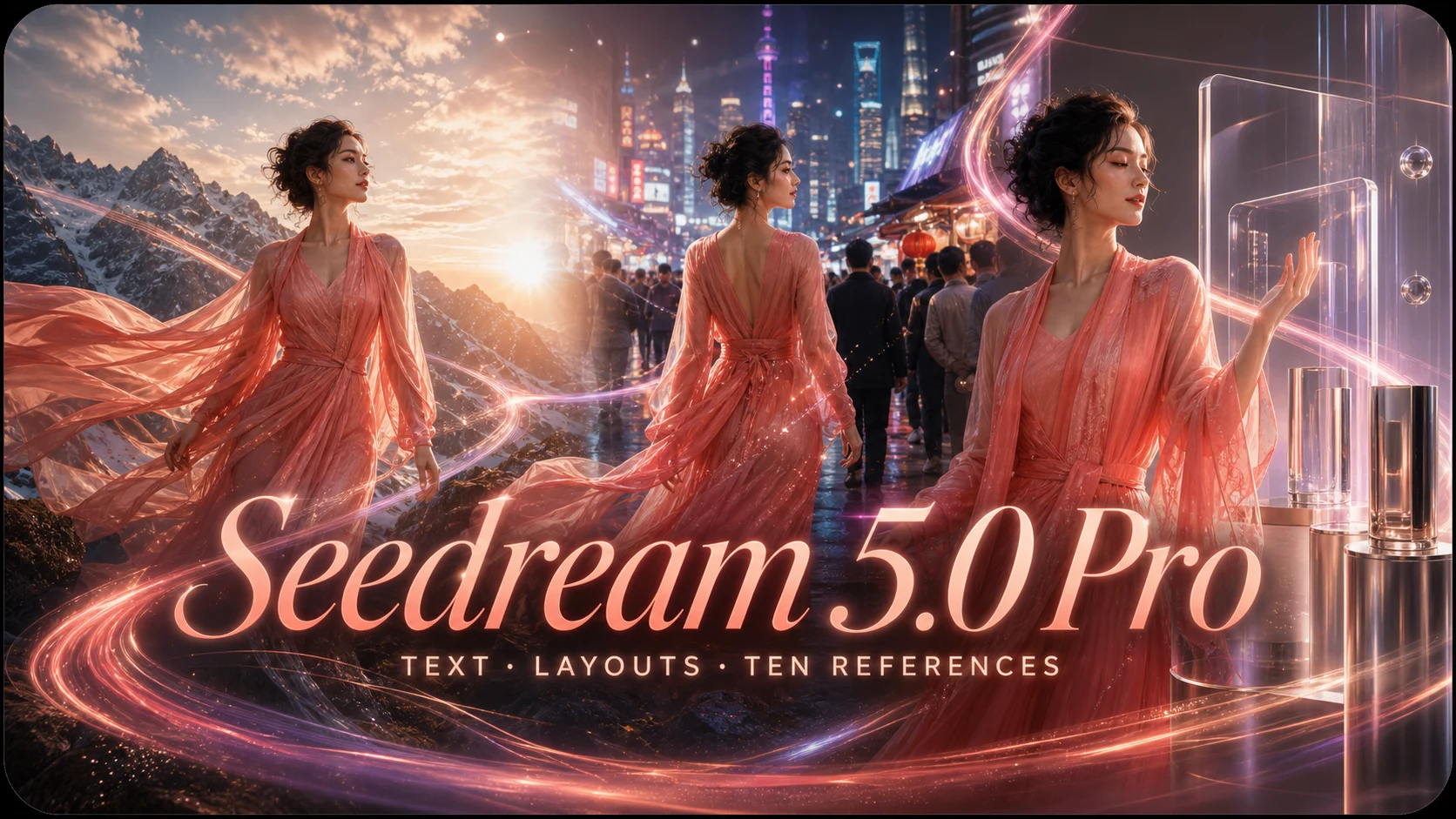
Production visuals with multilingual text, photoreal materials, and up to ten references.
FLUX Schnell FAQ
What people ask before their first image on FLUX Schnell.
What is FLUX Schnell?
It is the fast, distilled member of Black Forest Labs' FLUX family, built to return a usable image in very few steps. You describe the picture in plain language and it renders in seconds.
How much does one image cost?
1 credit per generated image, charged when the image is delivered. Ask for four and it is 4 credits. A generation that fails is not charged.
When should I use another model instead?
When a Schnell draft is worth finishing, or when the picture has words in it. Nano Banana Pro (6 credits) handles legible text, dense scenes and fine detail; GPT Image 2 (8 credits) follows layout instructions most closely. The usual workflow is to explore on Schnell and re-run the winning prompt on one of those.
Can it render text inside images?
Short words sometimes come out right, but this is not the model for it. If the wording has to be correct — a poster headline, a product label — switch to Nano Banana Pro or GPT Image 2.
Do I need an API key or an install?
Neither. The model runs on our side: sign in and the free credits a new account gets are enough for a good handful of images. Nothing to download, no GPU, no key to paste.
What happens to the images it makes?
Everything you generate is kept in your library, private to your account, with the prompt and model it came from — ready to download at full resolution or run again.
Draft something on FLUX Schnell
A credit an image, four at a time — the first ones are on us.