
Seedream 5.0 Pro Image Generator
Create production-ready images with multilingual text, dense layouts, photoreal detail, and up to ten visual references.
Prompts to try with Seedream 5.0 Pro
Explore Seedream 5.0 Pro prompt examples for multilingual posters, material studies, dense layouts, and polished campaign visuals. Click an example to load its prompt.
What Seedream 5.0 Pro is good at
Deep prompt understanding
Long creative briefs stay organized across subject, action, environment, camera, style and layout instead of collapsing into a loose keyword collage.
Multilingual text
Create localized posters, menus, packaging and campaign art with native text support across 14 languages and a clear typographic hierarchy.
Dense, structured layouts
Editorial grids, infographics and information-rich scenes keep their sections, labels and focal order readable when the frame gets busy.
Photoreal materials
Glass, metal, paper, fabric, skin and food retain convincing surface detail and light response, which helps product and campaign concepts feel finished.
Up to ten references
Guide one result with several characters, products, styles or before-and-after examples while spelling out what each source contributes.
Flexible 1K and 2K output
Choose square, portrait, landscape or cinematic formats and render at 1K for iteration or 2K for a more detailed final image.
Why use Seedream 5.0 Pro for production image generation?
Seedream 5.0 Pro combines deep prompt understanding with structured composition, multilingual typography and reference-guided image editing. It can work from text alone or use up to ten images to preserve a character, product or visual language, making it useful for campaign layouts, localized posters, realistic product concepts and multi-image composition.

How to prompt Seedream 5.0 Pro
Write it like a production brief: define the subject, hierarchy and finish, quote any exact copy, and explain the role of each reference image.
Describe the layout, not only the subject
State where the headline, focal image, supporting elements and whitespace belong. Seedream is strongest when the composition has an explicit visual hierarchy.
Quote exact multilingual copy
Put required wording in quotation marks and identify its language and placement. Keep each line concise when a poster or package must remain readable.
Give every reference a job
When uploading several images, say which one controls identity, product shape, palette, material or composition, then list what the model must preserve.
The other models
Try the same prompt with another AI image model.
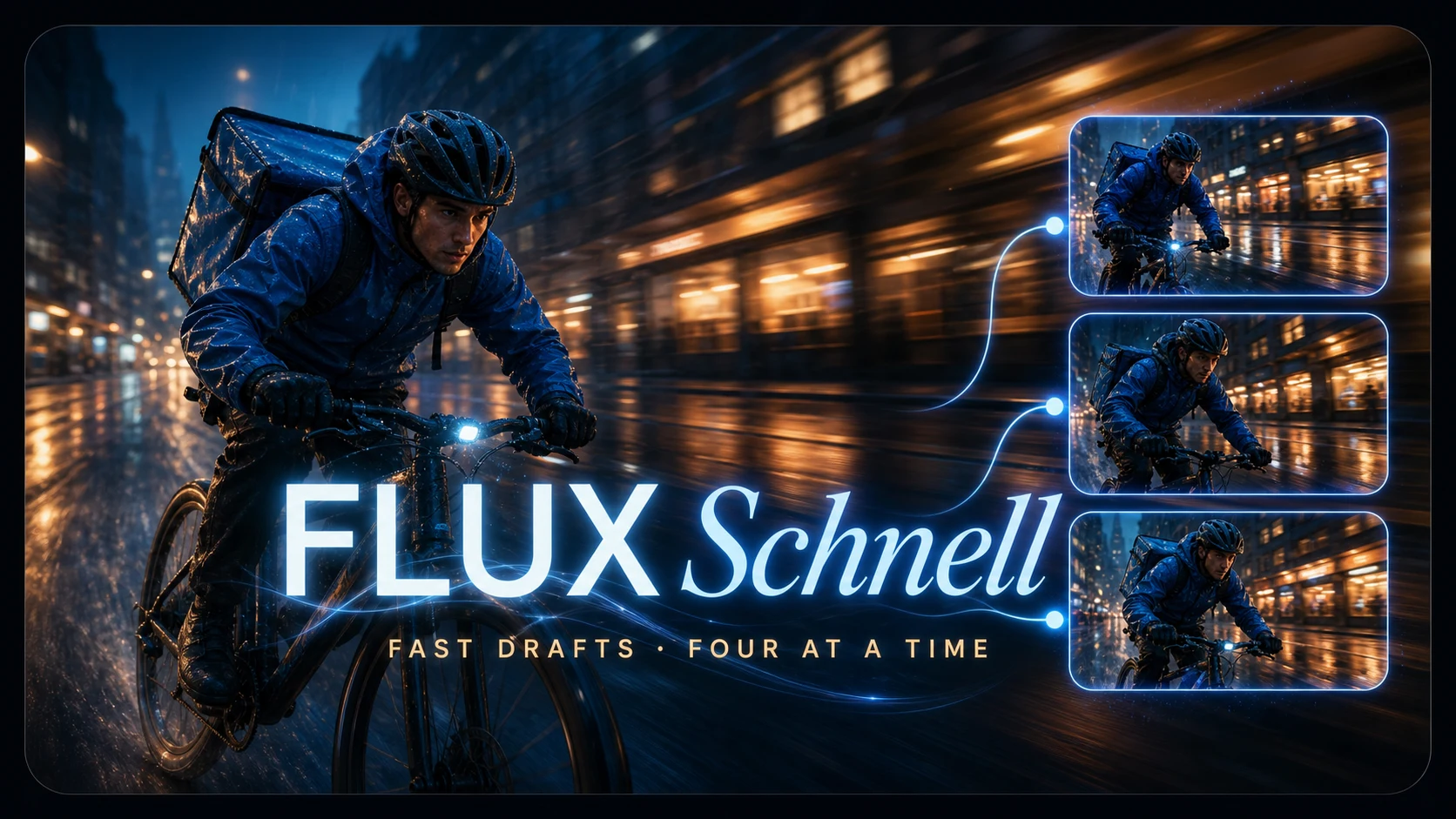
Fast drafts and batches — the cheapest model here, and where a new account should start.
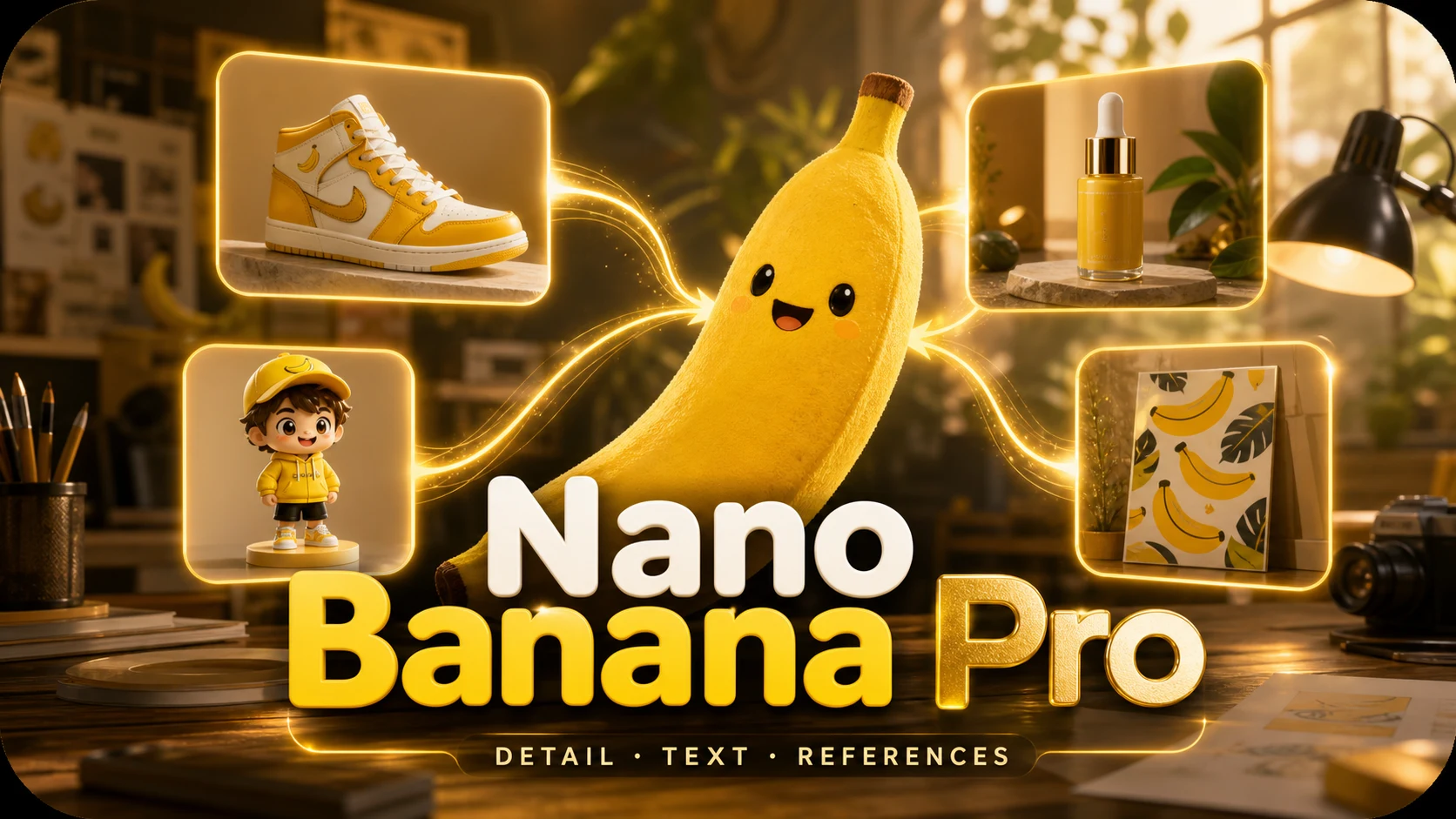
The hardest shots: dense scenes, fine detail, text that has to stay legible.
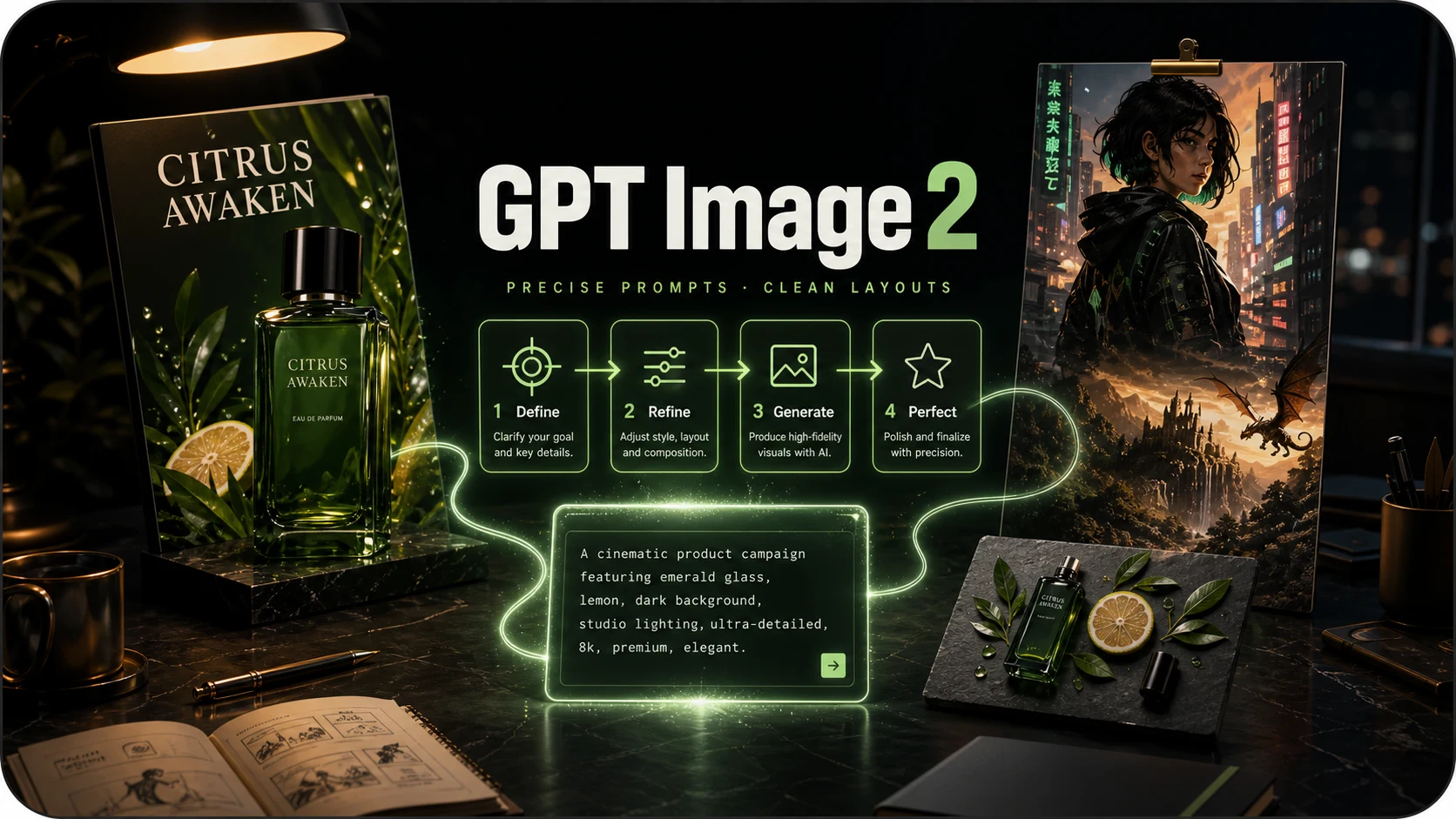
Prompt-faithful illustration and layouts, where following instructions matters more than photorealism.
Seedream 5.0 Pro FAQ
What to know before generating or editing with Seedream 5.0 Pro.
What is Seedream 5.0 Pro?
Seedream 5.0 Pro is ByteDance's flagship image model for text-to-image generation and reference-guided editing. It focuses on prompt understanding, structured layouts, multilingual text and production-quality visual detail.
How much does one image cost here?
One Seedream 5.0 Pro image costs 7 credits. Credits are charged for a completed result, and a failed generation is refunded.
Can I edit an existing image?
Yes. Upload one or more references and describe what should change and what must stay fixed. The same model can handle localized edits, style matching and multi-image composition.
How many reference images can I upload?
Up to ten. For the most controllable result, explain whether each reference supplies a character, product, palette, material, pose or composition.
What resolution and aspect ratios does it support?
This generator offers 1K and 2K output with square, portrait, landscape and wide aspect ratios. When editing, Auto can follow the first reference image's framing.
Do I need a ByteDance, Fal or Replicate account?
No. Choose Seedream 5.0 Pro in the shared model picker and use the same account, credits and private image library as the other models.
Build a finished visual with Seedream 5.0 Pro
Start from a brief, add references when they help, and generate in the format the work needs.